 Word Tiles - Relaxing Puzzle

Word Tiles - Relaxing Puzzle Walkthrough
Connect letters, read the counters and fill the missing words.
Independent fan-made guides. Not affiliated with the game developer.
Browse levels
Recently updated
Game screens from Word Tiles
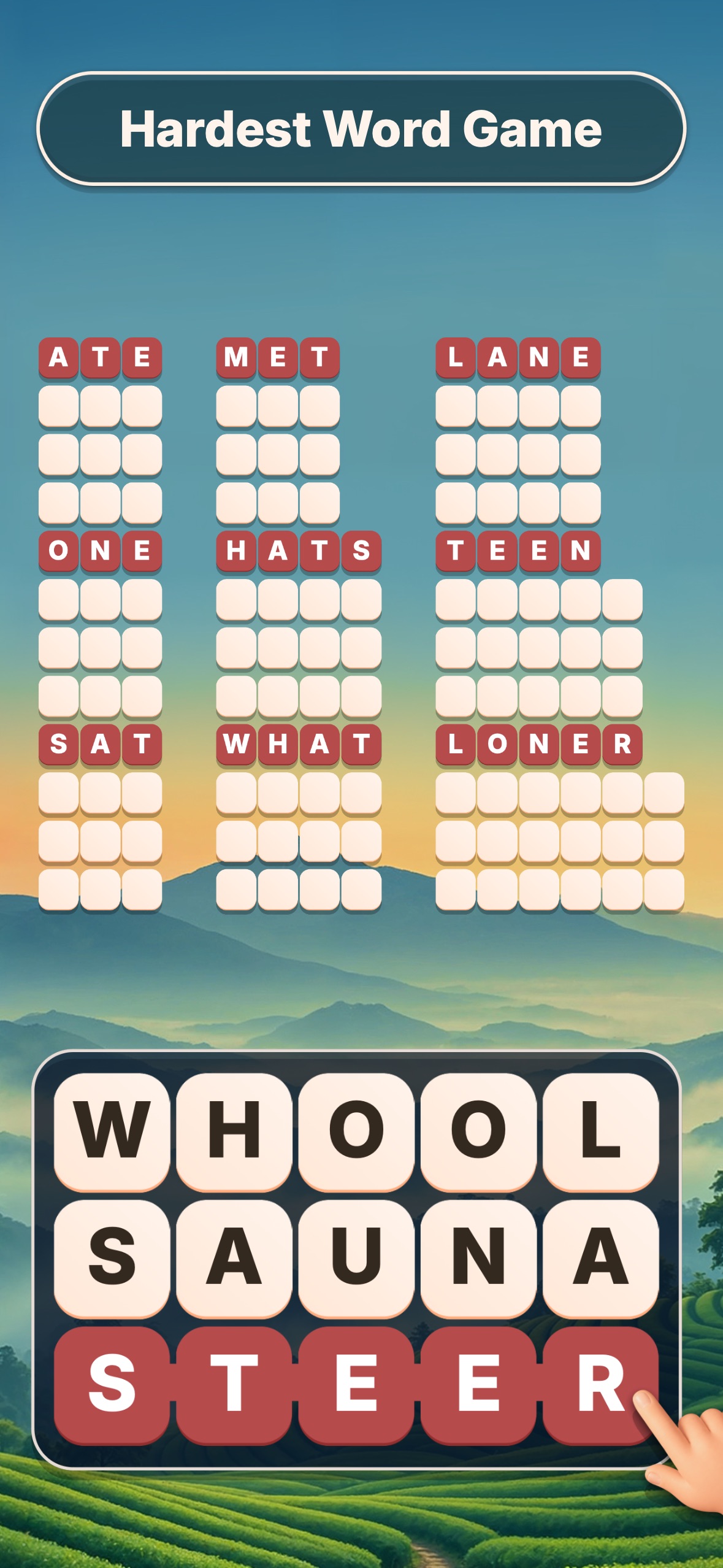
About the game
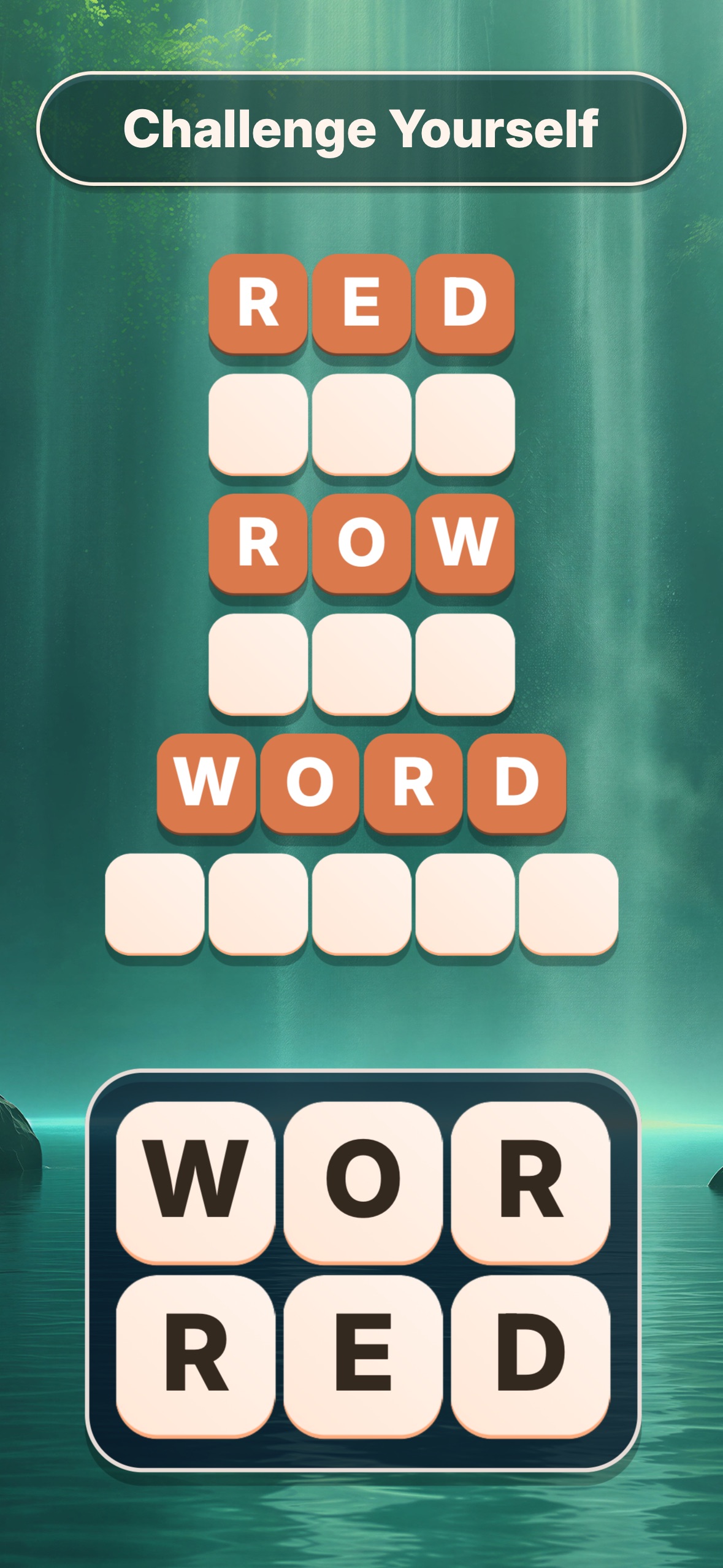
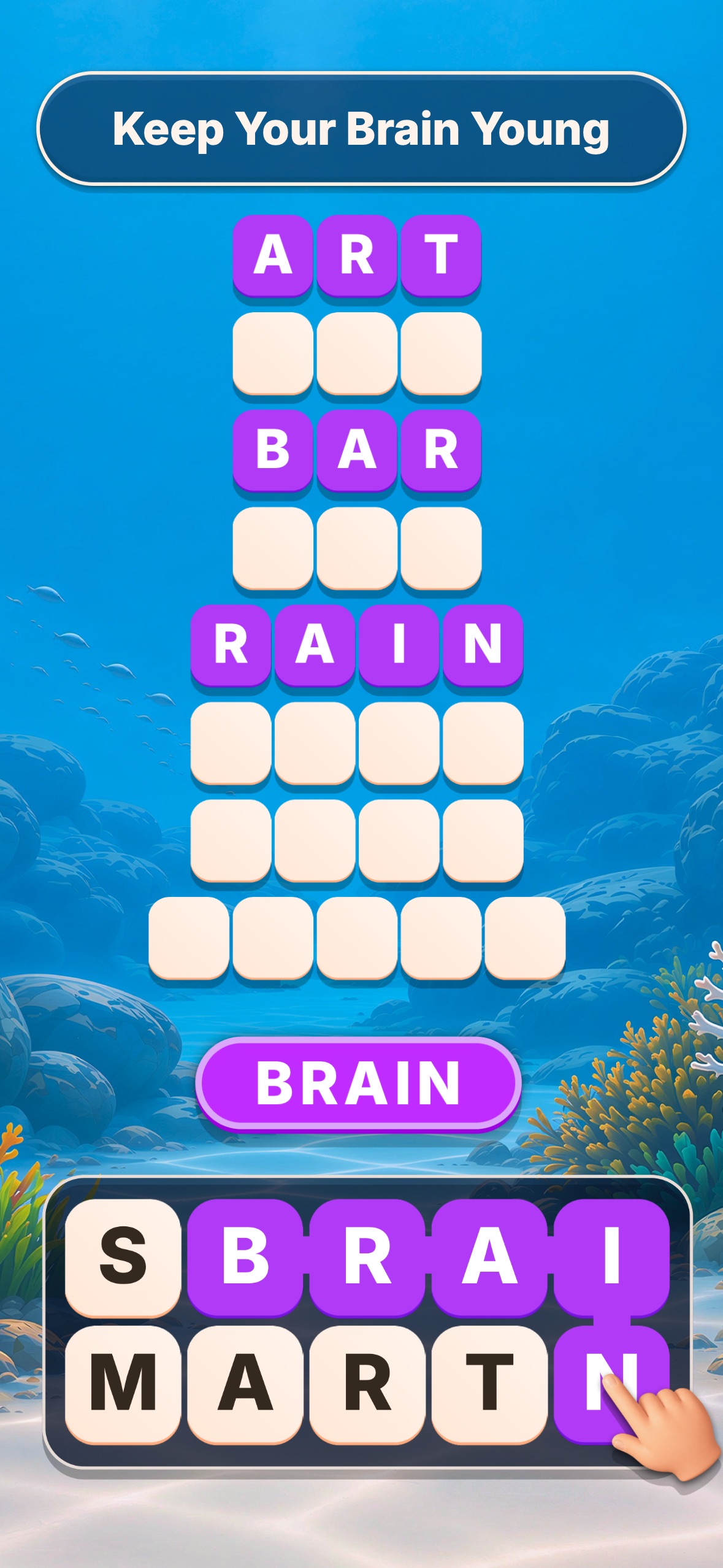
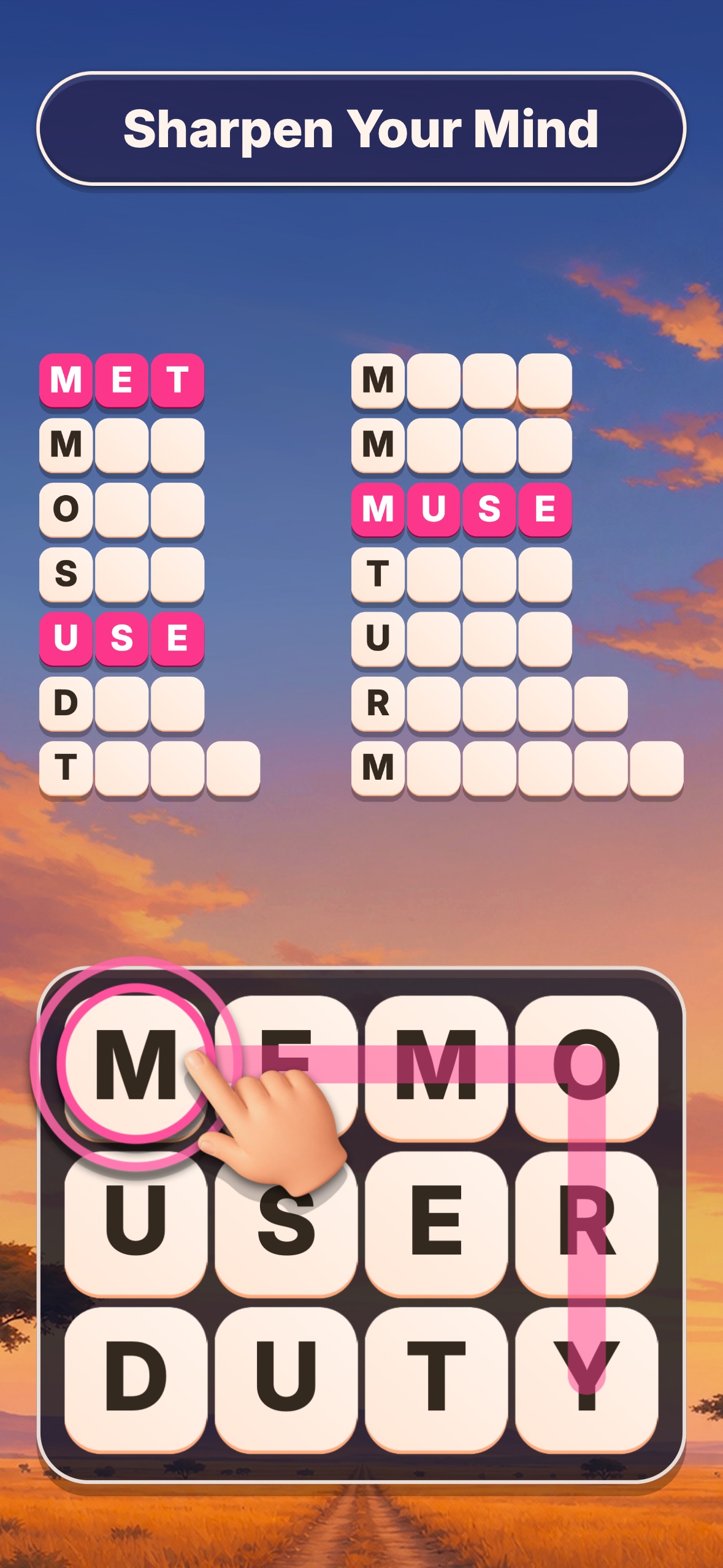
Word Tiles - Relaxing Puzzle is an untimed word puzzle by Agave Games for Android, iPhone and iPad. Swipe through adjacent letters to fill the word rows.
The small numbers on the tiles show how many uses remain. Check them after a word fills a row.
Browse 290 walkthroughs by level number.
- Publisher
- Agave Games
- Platform
- Android, iPhone, iPad
- Guide coverage
- 290 levels
- Last updated
- Game store
- Google Play
 · App Store
Word Tiles - Relaxing Puzzle is a word game from Agave Games for Android, iPhone and iPad. Trace a continuous route across the letter tiles to submit an English word. Each accepted answer fills a row above the board, and the small numbers on the tiles show how many uses remain. Enter the number on your screen to open a walkthrough for that board.
Find your board before looking at the answers
Start with the displayed level number, then check the shape of the letter grid and a few distinctive letters in the recording. Two puzzles with the same number of tiles can have very different solutions. A useful check is to read the upper row from left to right and count the longest blank answer row. If the recording starts halfway through a solve, move back to the timestamp linked on the guide and compare the tiles before a word is submitted. If the geometry or the visible letters still differ, use the general rules below and solve from your own board. A word shown in a walkthrough can be spelled correctly and still be the wrong answer for another layout.
Follow the route one letter at a time
Touch the first letter and keep your finger down while moving to the next neighboring tile. A path can turn, so you do not have to stay on a straight row. Watch which letters are highlighted before lifting your finger. The word is read in the order in which you connect the tiles, even if your final move takes you back toward your starting side. When a word uses a letter twice, find two separate tiles with that letter. A small number printed next to one tile does not stand for extra copies that can be typed in a single move. The same tile can help form another word later, as long as its remaining count allows it.
Use the counters to choose where to look
The tile numbers describe what is left to do. Check the count before and after a word goes into a blank row. If a corner tile still has a use, inspect the letters that can be reached from it. There may be only one promising beginning or ending from that corner. A tile near the middle with a higher count often supports several routes, so guessing from the middle alone can create a long list of possibilities. Combine the two clues: look for a route that uses the constrained corner and also passes through letters that still have several uses. Keep the number of letters in the remaining blank rows in mind as you plan.
Keep an eye on the blank rows
A list of empty answer rows tells you what lengths still need to be found. Count the cells if two nearly identical words come to mind. For example, a route might support both a short word and a longer word with the same beginning; the row lengths tell you which ones are still relevant. An ordinary dictionary word does not automatically fill a row. The game expects a particular set for each board. After a successful swipe, take a moment to see which row filled and which tile counters changed. Reading the new state saves more effort than repeatedly entering a familiar word and hoping the board responds differently.
Practice without spoiling the board
Open a walkthrough only after you have tried to narrow the possibilities from the blank rows and unused letters. If you want one hint, pause when the first letter of a new word lights up. Try to complete the path yourself before continuing. If you need the entire answer, slow the recording and confirm the highlighted sequence before following it in the app. Use the credited link to open the video directly on YouTube if the embedded player does not load. The video may continue to the next puzzle after a clear. Stop when the game confirms your level so you can try the next board without seeing its solution.
About the app and its pace
The mobile game is designed around untimed puzzles. There is no need to rush a long swipe or submit a guess while a timer runs down. Scenes behind the tiles change the appearance, but the answer rows and letter counters are the useful information when you are stuck. The official store listings identify Agave Games as the developer and show current device requirements. The Android listing discloses ads and in-app purchases. Check the wording in your installed app before buying or using an option. If you are troubleshooting progress, contact the developer before clearing app data or reinstalling; saved progress may be affected and this guide cannot restore it.
Frequently asked questions
Who makes Word Tiles - Relaxing Puzzle?
Agave Games is the developer listed on Google Play and the App Store. Search for that name together with the game title so you do not install a similarly named word game. You can reach both listings from the homepage and confirm the publisher before installing it.
How do I enter an answer?
Place your finger on the first letter and slide through neighboring letters in spelling order, then lift it to submit. Pause before lifting if the path has several turns. When an answer is accepted, look for the newly filled row and the changes to the tile counters.
What do the small numbers mean?
They count how many times a tile is still needed in the answers. If a tile shows two, a word that uses it can leave one use for another answer. The same number does not mean you should add a second copy of the letter to the current swipe.
Why does a real word leave the row empty?
The game looks for the words assigned to that particular puzzle. Read the highlighted spelling and check whether a blank row of that length remains. The word may already have been found or may not be part of the board's target set.
Is there a timer?
The developer describes the main word puzzles as untimed. Use that time to check the blank row lengths before guessing, especially if several similar words are possible. You can also slow down a swipe when a diagonal connection is hard to make accurately.
How can I find a guide by level?
Enter the displayed level number in the homepage search box or choose a range and select the number. Compare the opening letters and answer rows before following the video. The language menu switches the guide to the same level where that language is available.
Why is my board different from the recording?
Compare the displayed level number, the layout and the letters at the beginning of the video. If those details do not match, use the solving method on your own tiles. Do not enter a list simply because it appears next to the same level number.
Why won't the walkthrough video start?
The player loads from YouTube after you press play. If it remains blank, try the credited YouTube link and check that your connection can open the video there. You can still use the written tips or answers, if available for that board, while the player is unavailable.